Define what a visitor needs to do, then make the design and development work measurable.
Plan a website around one useful task
The historical offer below belongs to its original publication date. Its prices, availability and hosting terms are not a current quotation. For a new brief, define the scope before comparing prices.
A brief you can use
Purpose: What should a visitor be able to do?
Audience: Who is the page for, and what do they already know?
Content: Who supplies text, images and permissions?
Pages: List essential pages and their tasks.
Features: Search, forms, payments or integrations required?
Acceptance: Phone, keyboard, accessibility, links and loading checks.
Handover: Source files, domain access, hosting, updates and ownership.
Budget: Build cost, recurring cost and optional work separately.
Maintenance: Who handles faults and how is urgent work agreed?
Compare like with like
A build price alone cannot tell you the total cost. Ask which revisions, content work, licences, hosting, maintenance and handover are included. Agree measurable acceptance checks and who owns the files before the work begins. Do not assume an archived studio partnership or a past service offer is still available.
Turn “works on mobile” into an acceptance check
Agree a small acceptance matrix before comparing a website brief with its delivery. This is a planning template, not a current service quotation or a promise of a particular accessibility certification.
Name the visitor’s task and a representative page. Specify the test input and expected result, including an empty or incorrect input.
Record the viewport and input method. A screenshot of a closed menu does not demonstrate that it opens, closes or returns focus.
Identify who supplies content, who checks it and who accepts a failed check as an open issue. Do not replace missing evidence with “looks fine”.
Keep the result, evidence and retest date with the handover. Preserve unresolved issues and maintenance ownership.
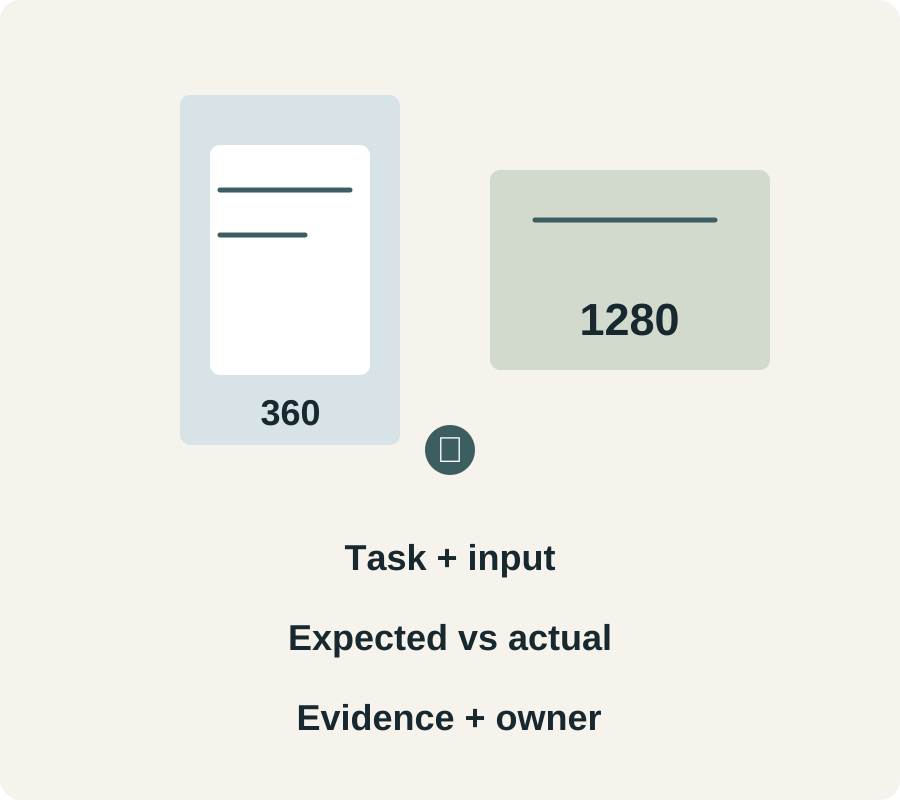
Fictional one-page workshop site: at 360 px, a visitor opens navigation, follows the schedule link and closes the menu with Escape; focus returns to the opener. At 1280 px, the same link reaches the same heading. A keyboard visitor can reach every action and see focus. An empty enquiry shows labelled guidance, keeps the typed text and does not claim that mail was sent. A valid submission requires separate delivery evidence.
Record each check as task __; page/version __; input __; expected __; actual __; device/width __; evidence __; owner/retest __. “Mobile passed” is too broad if only the menu was tested. Loading budgets, content rights, browser coverage and ongoing maintenance need their own agreed checks. Keep any historical offer and price attached to its original date; this worksheet does not revive it.
Task + input · Expected vs actual · Evidence + owner.